vue-crud-x
customisable and extensible VueJS CRUD Component
5.4K viewsAdded Dec 25, 2018
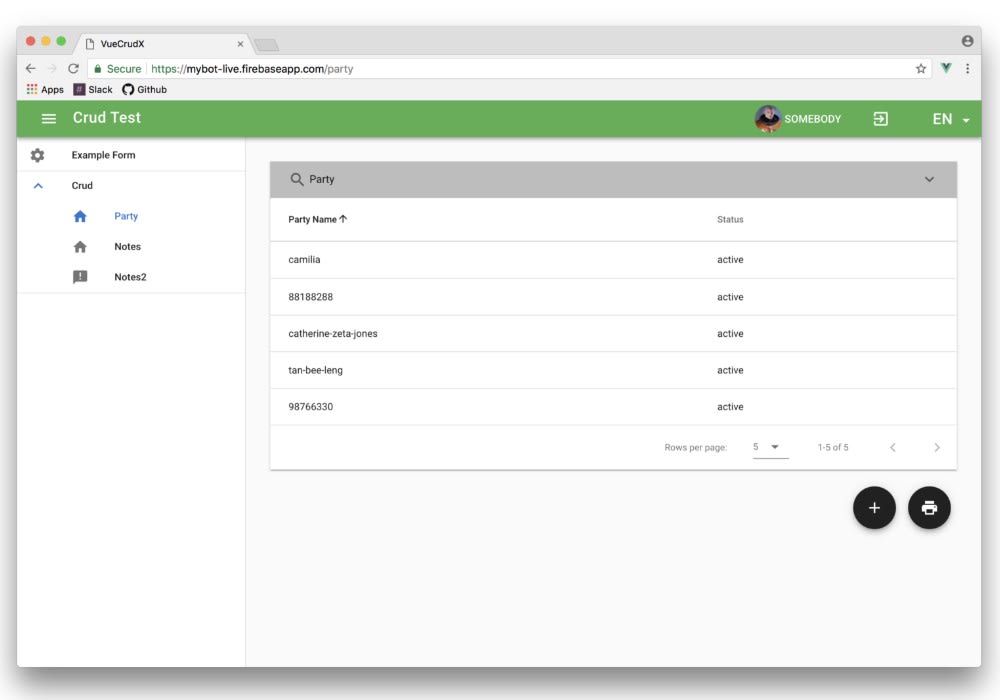
Extensible VueJS 2.0 CRUD Component
Getting Started
We will do a quick walk through how-to get a demo running on your local machine. You may need to get up to speed on the following topics:
- Google Firebase (we will be using firestore as the datastore and firebase authentication)
- VueJS, Vue-router and Vuex
- Vuetify
- NodeJS, ES6, async-await
- Google Recaptcha
Signing Up For Firebase
- Create a new google account or use an existing google account
- Goto Google Firebase and signup for firebase, you may need to enter your credit card information to access their services
- Create a user (https://firebase.google.com/docs/auth/web/password-auth), you will need this user to log in to the example program
- Enable your firestore and enable read-write in the rules
Get Your Credentials
Your credentials should look like the JSON below
<script src="https://www.gstatic.com/firebasejs/4.13.0/firebase.js"></script>
<script>
  // Initialize Firebase
  var config = {
      apiKey: "...",
      authDomain: "...",
      databaseURL: "...",
      projectId: "...",
      storageBucket: "...",
      messagingSenderId: "..."
  };
  firebase.initializeApp(config);
</script>