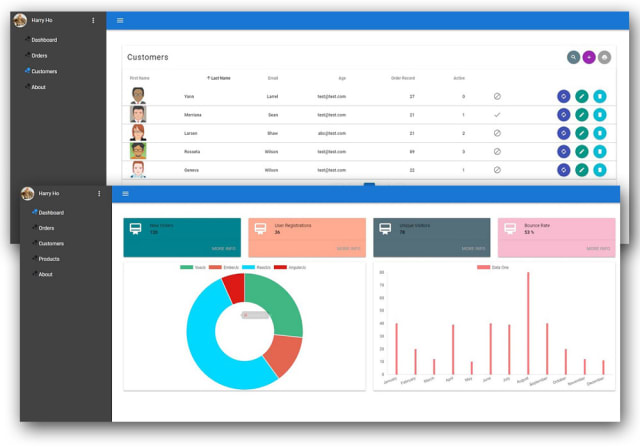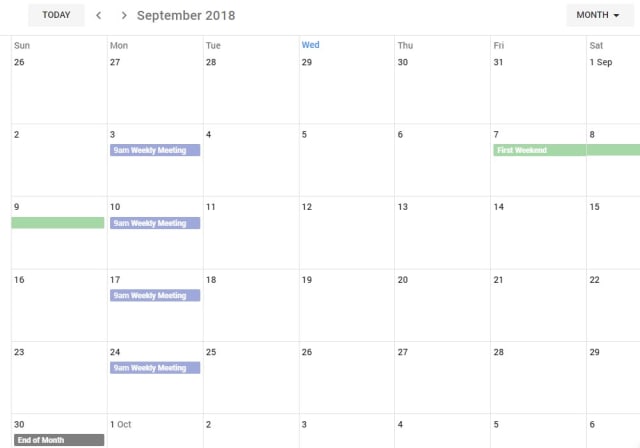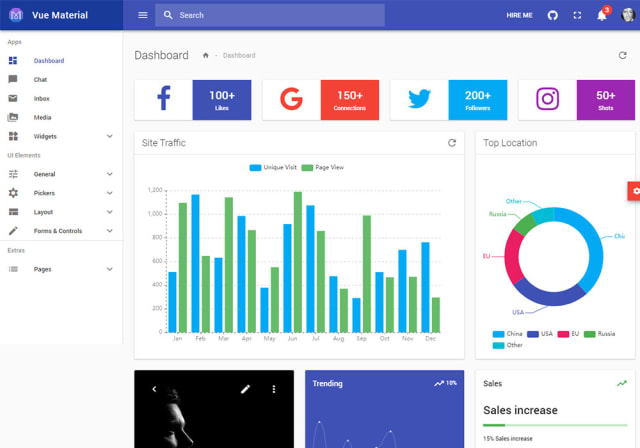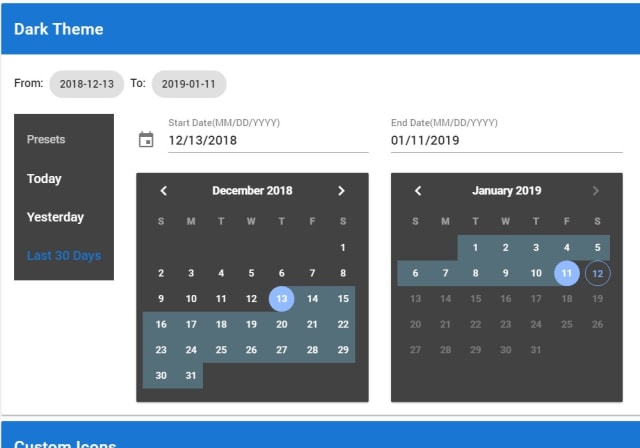
vuetify-atom is the official extension for Vuetifyjs when working in Atom. It provides snippets and autocomplete functionality for Vuetifyjs.
Installation
Command Line
In the terminal, install the package via apm:
apm install vuetify-atomGUI
- Launch Atom
- Open Settings View using
Cmd+, on macOS orCtrl+, on other platforms - Click the Install tab on the left side
- Enter
vuetify-atomin the search box and pressEnter - Click the "Install" button that appears
Usage
Snippet
Let's suppose you want to insert Button componenet. For that you have to write full component.
<v-btn>buttonText<v-btn>But in vuetify-atom only writing vBtn will give you all options available for Button component.
Everything is in camel case and with 'v' prefix which is for Vuetifyjs.
If you want to insert a component with all of its props. Just write v{component-name}WithProps. This will insert component with all of its props. For example : vBtnWithProps, vAvatarWithProps etc.
Templates
Every component in the Vuetify have additional code to write inside it. For example the v-btn-toggle component have v-btn inside it. Thats why vuetify-atom provides templates for them. The syntax of template is pretty easy. v{component}Template or v{component}Template{availableTemplate} For example vBtnToggleTemplate will give you following code.
<v-btn-toggle mandatory multiple v-model="value">
  <v-btn flat>
    <v-icon>icon</v-icon>
  </v-btn>
  <v-btn flat>
    <v-icon>icon</v-icon>
  </v-btn>
  <v-btn flat>
    <v-icon>icon</v-icon>
  </v-btn>
  <v-btn flat>
    <v-icon>icon</v-icon>
  </v-btn>
</v-btn-toggle>
and vBtnToggleTemplateTextIcon will give you following code.
<v-btn-toggle multiple mandatory v-model="value">
  <v-btn flat value="value">
    <span>text</span>
    <v-icon>icon</v-icon>
  </v-btn>
  <v-btn flat value="value">
    <span>text</span>
    <v-icon>icon</v-icon>
  </v-btn>
  <v-btn flat value="value">
    <span>text</span>
    <v-icon>icon</v-icon>
  </v-btn>
  <v-btn flat value="value">
    <span>text</span>
    <v-icon>icon</v-icon>
  </v-btn>
</v-btn-toggle>