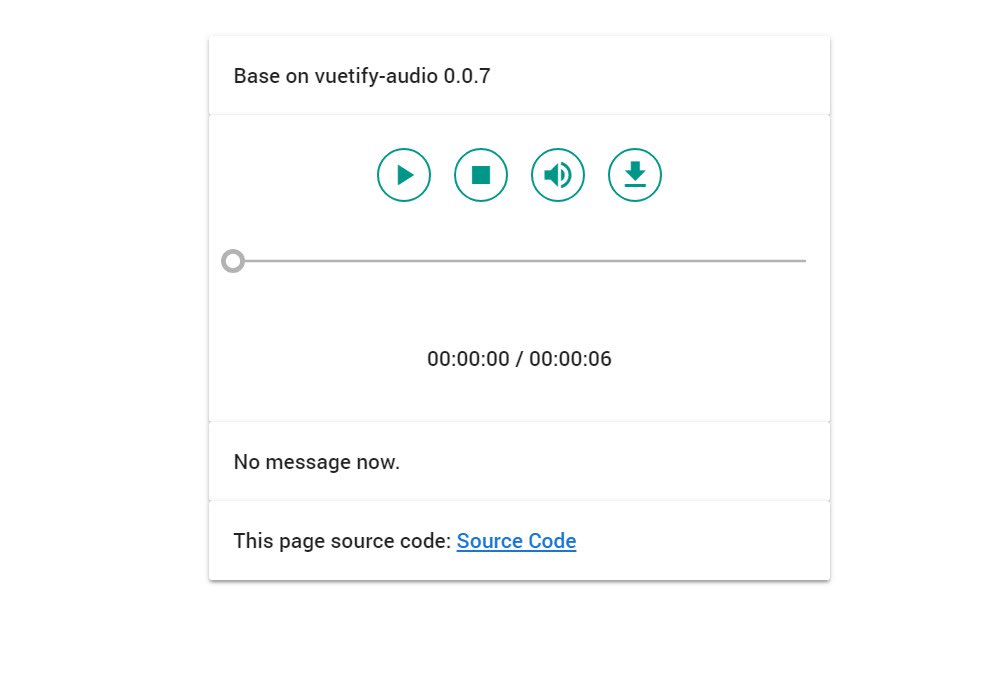
Vuetify Audio
A Vue audio player base on Vuetify UI framework
5.3K viewsAdded Jan 19, 2019
A Vue audio player base on Vuetify UI framework
Installation
Use npm:
npm install vuetify-audio --saveUsage
At first make sure your project is Vue project, and has Vuetify as UI framework:
Install Vuetify:
npm install vuetify --save-devAdd Vuetify to app.js or main.js:
import Vuetify from 'vuetify';
import 'vuetify/dist/vuetify.min.css';

Vue.use(Vuetify);
Add below code into your <script>:
import VuetifyAudio from 'vuetify-audio';

export default {
    data() {
        return {
            file: 'http://www.noiseaddicts.com/samples_1w72b820/290.mp3',
        };
    },
    components: {
        'vuetify-audio': VuetifyAudio
    },
    // If you want to use ended callback add below code
    methods: {
        audioFinish () {
            console.log('You see this means audio finish.');
        }
    },
}
And below code in the <template>:
<vuetify-audio :file="file" :ended="audioFinish"></vuetify-audio>