Vue-Socket.io
Socket.io implementation for Vue.js and Vuex
7.9K viewsAdded Dec 16, 2018
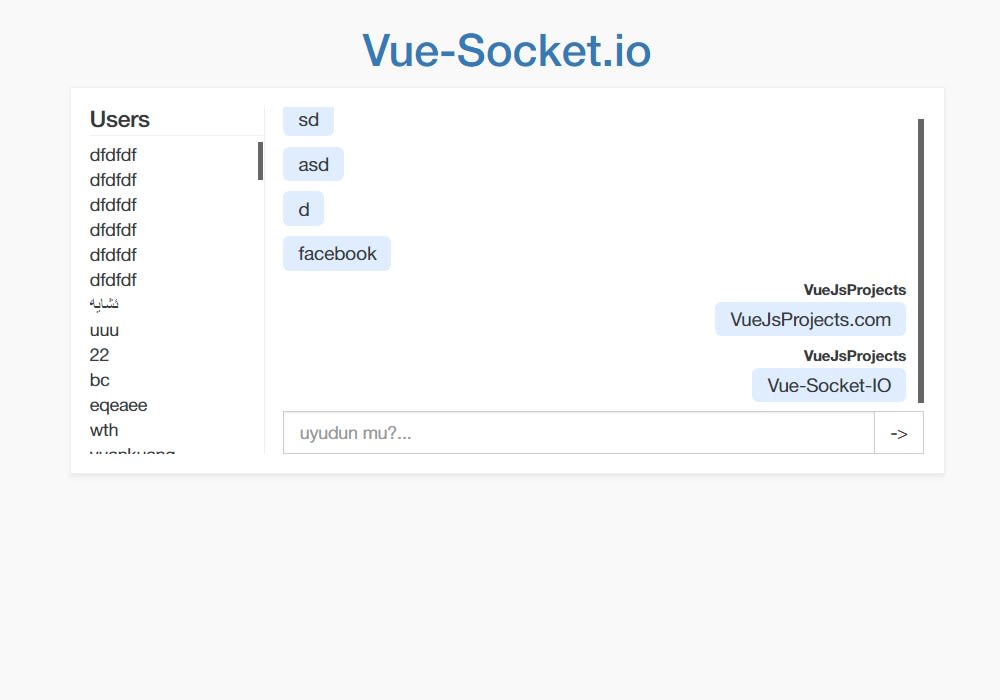
Vue-Socket.io is a socket.io integration for Vuejs, easy to use, supporting Vuex and component level socket consumer managements
Installation
npm install vue-socket.io --saveimport Vue from 'vue'
import store from './store'
import App from './App.vue'
import VueSocketIO from 'vue-socket.io'
Vue.use(new VueSocketIO({
debug: true,
connection: 'http://metinseylan.com:1992',
vuex: {
store,
actionPrefix: 'SOCKET_',
mutationPrefix: 'SOCKET_'
}
}))
new Vue({
router,
store,
render: h => h(App)
}).$mount('#app')Component Level Usage
If you want to listen socket events from component side, you need to add `sockets` object in Vue component, and every function will start to listen events, depends on object key
new Vue({
    sockets: {
        connect: function () {
            console.log('socket connected')
        },
        customEmit: function (data) {
            console.log('this method was fired by the socket server. eg: io.emit("customEmit", data)')
        }
    },
    methods: {
        clickButton: function (data) {
            // $socket is socket.io-client instance
            this.$socket.emit('emit_method', data)
        }
    }
})
Vuex Integration
When you set store parameter in installation, Vue-Socket.io will start sending events to Vuex store. If you set both prefix for vuex, you can use actions and mutations at the same time. But, best way to use is just actions
import Vue from 'vue'
import Vuex from 'vuex'

Vue.use(Vuex)

export default new Vuex.Store({
    state: {},
    mutations: {
        "<MUTATION_PREFIX><EVENT_NAME>"() {
            // do something
        }
    },
    actions: {
        "<ACTION_PREFIX><EVENT_NAME>"() {
            // do something
        }
    }
})