Vue Ads Table Tree
Vue Data Table Component
7.7K viewsAdded Dec 17, 2018
Vue Data Table Component
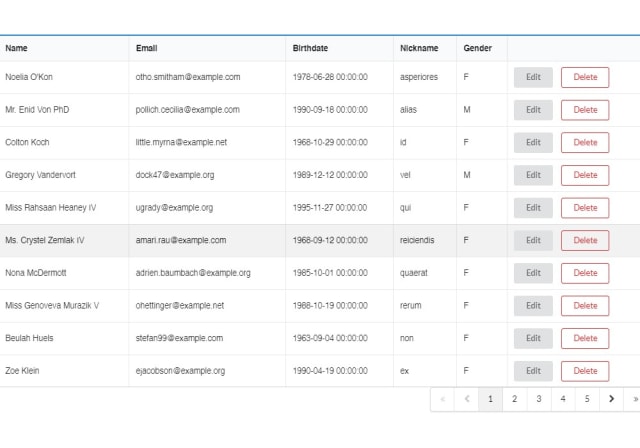
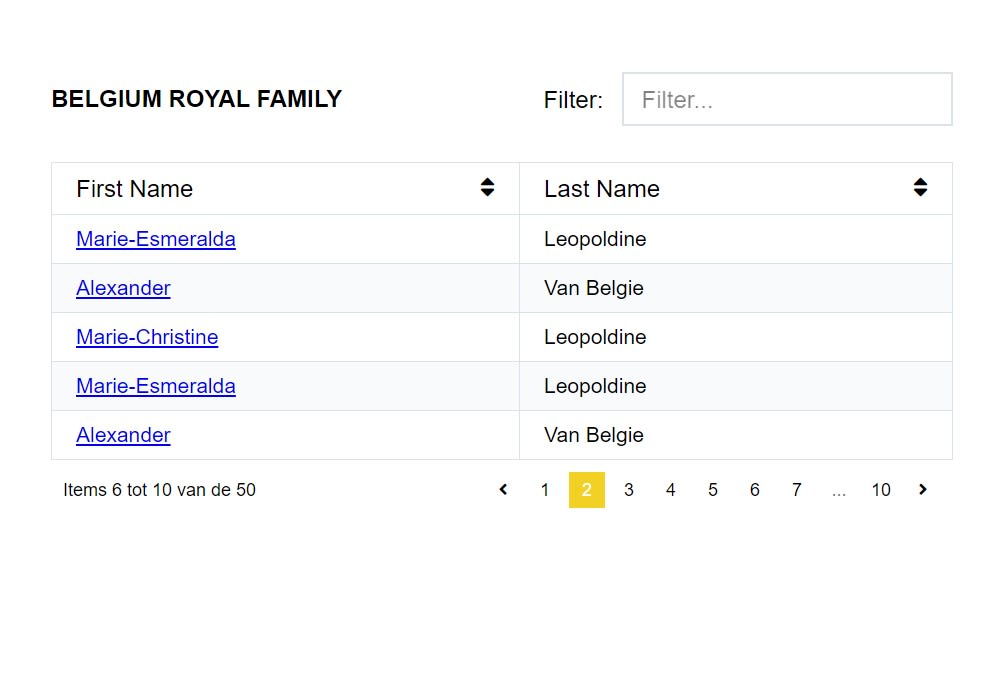
A Vue Data Table Component with filtering, sorting and paginating implemented. On top of that, you can add a tree structure: Rows can have child rows, that can be hidden or expanded.
Installation
You can install the package via npm or yarn.
NPM
npm install vue-ads-table-tree --saveYARN
yarn add vue-ads-table-treeUsage
You can add the vue-ads-table-tree component by using the following code in your project.
<template>
    <div id="app">
        <vue-ads-table-tree
                :columns="columns"
                :rows="rows"
        >
            <template>
                <h2>
                    My own title
                </h2>
            </template>
            <template slot="firstName" slot-scope="props">
                <a :href="`https://www.google.com/search?q=${props.row.firstName}+${props.row.lastName}`"
                   target="_blank">{{props.row.firstName}}</a>
            </template>
        </vue-ads-table-tree>
  </div>
</template>

<script>
import '../node_modules/@fortawesome/fontawesome-free/css/all.css';
import '../node_modules/vue-ads-table-tree/dist/vue-ads-table-tree.css';

import VueAdsTableTree from 'vue-ads-table-tree';

export default {
    name: 'app',

    components: {
        VueAdsTableTree,
    },

    data () {
        return {
            columns: [
                {
                    property: 'firstName',
                    title: 'First Name',
                    sortable: true,
                    filterable: true,
                },
                {
                    property: 'lastName',
                    title: 'Last Name',
                    filterable: true,
                    sortable: true,
                    collapseIcon: true,
                },
            ],
            rows: [
                {
                    firstName: 'Albert',
                    lastName: 'Einstein',
                },
                {
                    firstName: 'Barack',
                    lastName: 'Obama',
                },
            ],
        };
    },
};
</script>