Vue Draggable
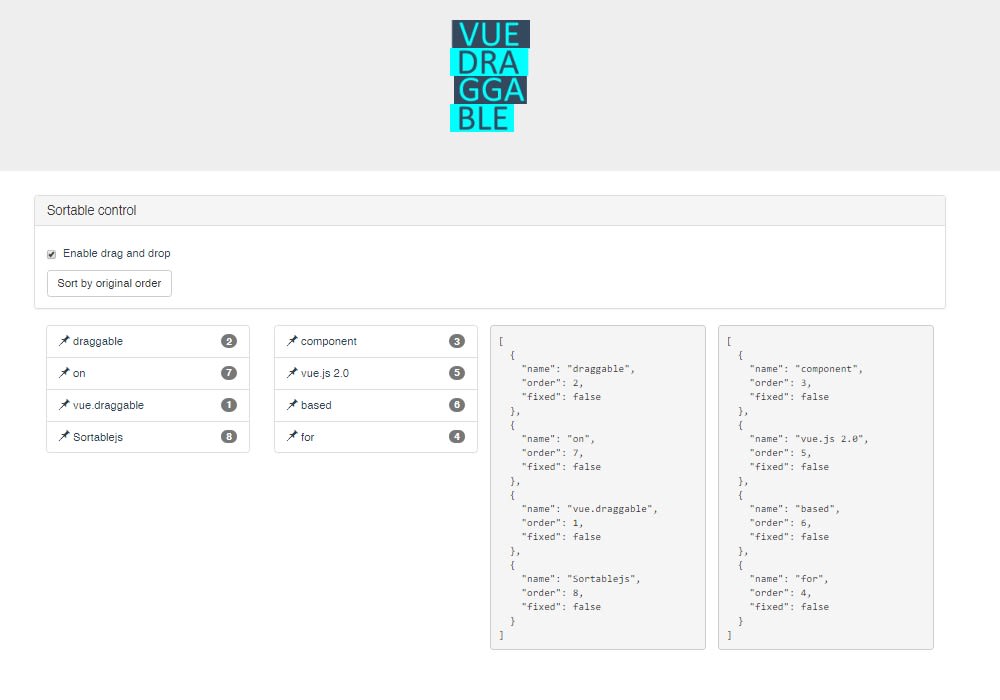
Vue component allowing drag-and-drop sorting in sync with View-Model
25K viewsAdded Dec 27, 2018
Vue component allowing drag-and-drop sorting in sync with View-Model. Based on Sortable.js
Installation
With npm or yarn
yarn add vuedraggable

npm i -S vuedraggable
with direct link
<script src="//cdnjs.cloudflare.com/ajax/libs/vue/2.5.2/vue.min.js"></script>
<!-- CDNJS :: Sortable (https://cdnjs.com/) -->
<script src="//cdn.jsdelivr.net/npm/sortablejs@1.7.0/Sortable.min.js"></script>
<!-- CDNJS :: Vue.Draggable (https://cdnjs.com/) -->
<script src="//cdnjs.cloudflare.com/ajax/libs/Vue.Draggable/2.17.0/vuedraggable.min.js"></script>
For Vue.js 2.0
Use draggable component:
Typical use:
<draggable v-model="myArray" :options="{group:'people'}" @start="drag=true" @end="drag=false">
   <div v-for="element in myArray" :key="element.id">{{element.name}}</div>
</draggable>
.vue file:
import draggable from 'vuedraggable'
...
export default {
    components: {
        draggable,
    },
...
With transition-group:
<draggable v-model="myArray">
    <transition-group>
        <div v-for="element in myArray" :key="element.id">
            {{element.name}}
        </div>
    </transition-group>
</draggable>
Draggable component should directly wrap the draggable elements, or a transition-component containing the draggable elements.
With footer slot:
<draggable v-model="myArray" :options="{draggable:'.item'}">
    <div v-for="element in myArray" :key="element.id" class="item">
        {{element.name}}
    </div>
    <button slot="footer" @click="addPeople">Add</button>
</draggable>
With header slot:
<draggable v-model="myArray" :options="{draggable:'.item'}">
    <div v-for="element in myArray" :key="element.id" class="item">
        {{element.name}}
    </div>
    <button slot="header" @click="addPeople">Add</button>
</draggable>
With Vuex:
<draggable v-model='myList'>computed: {
myList: {
get() {
return this.$store.state.myList
},
set(value) {
this.$store.commit('updateList', value)
}
}
}