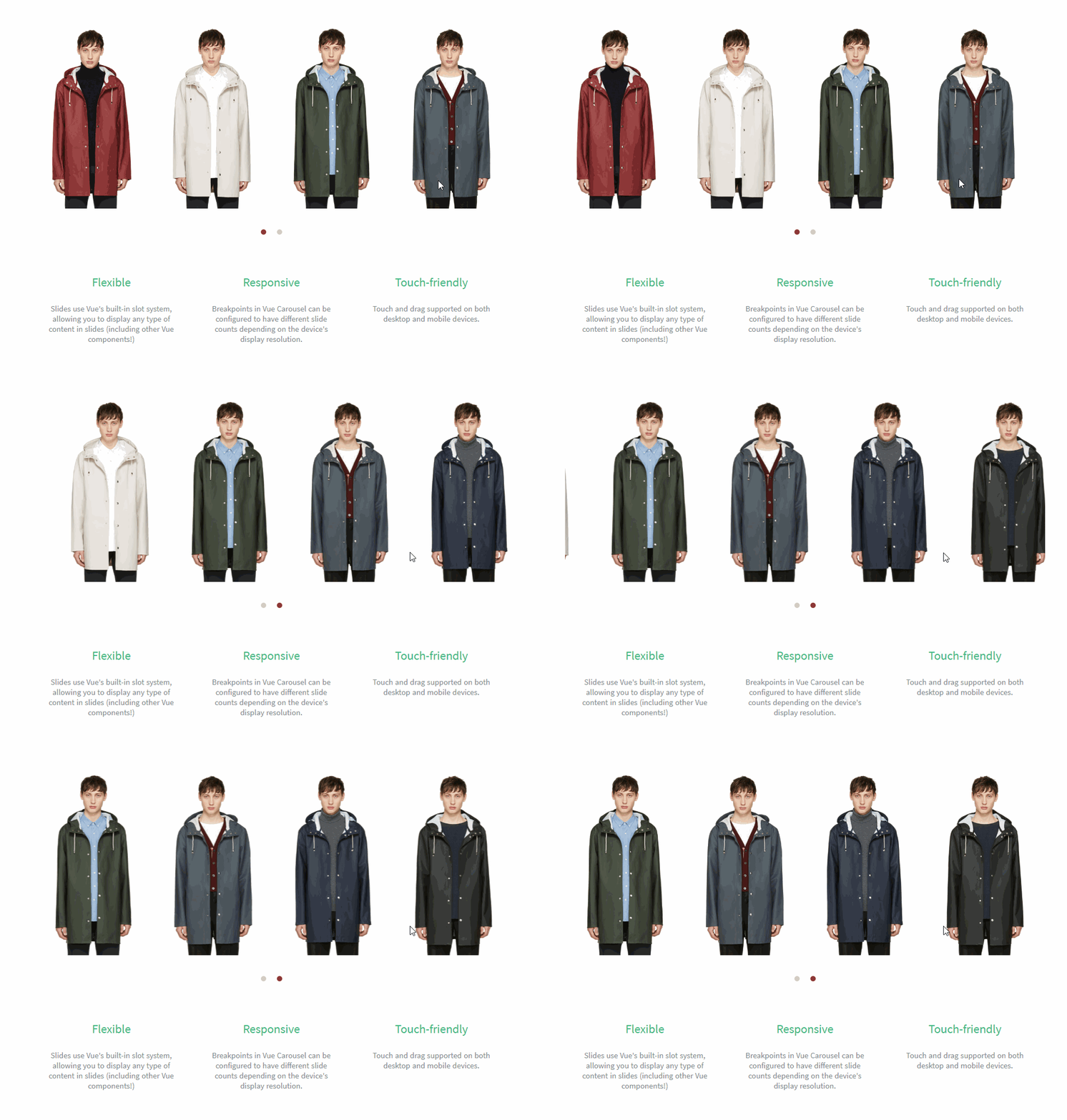
Vue Carousel
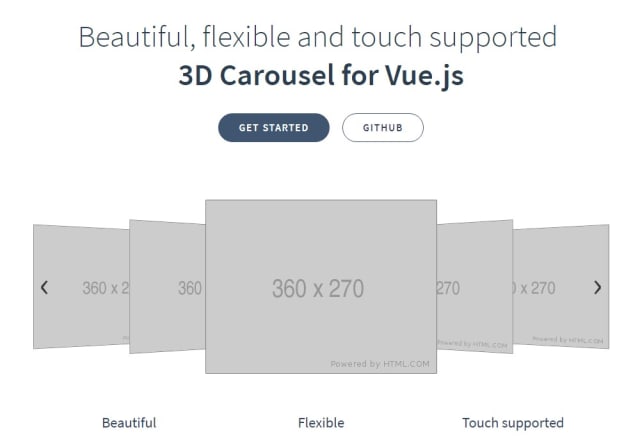
A flexible, responsive, touch-friendly carousel for Vue.js
6.7K viewsAdded Dec 12, 2018
A flexible, responsive, touch-friendly carousel for Vue.js
Installation
npm install vue-carouselor if you prefer yarn
yarn add vue-carouselUsage
Global
You may install Vue Carousel globally:
import Vue from 'vue';
import VueCarousel from 'vue-carousel';

Vue.use(VueCarousel);
This will make <carousel> and <slide> available to all components within your Vue app.
Local
Include the carousel directly into your component using import:
import { Carousel, Slide } from 'vue-carousel';

export default {
  ...
  components: {
    Carousel,
    Slide
  }
  ...
};
HTML Structure
Once the Carousel and Slide components are installed globally or imported, they can be used in templates in the following manner:
<carousel :per-page="1" :navigate-to="someLocalProperty" :mouse-drag="false">
  <slide>
    Slide 1 Content
  </slide>
  <slide>
    Slide 2 Content
  </slide>
</carousel>