Vuestic Admin
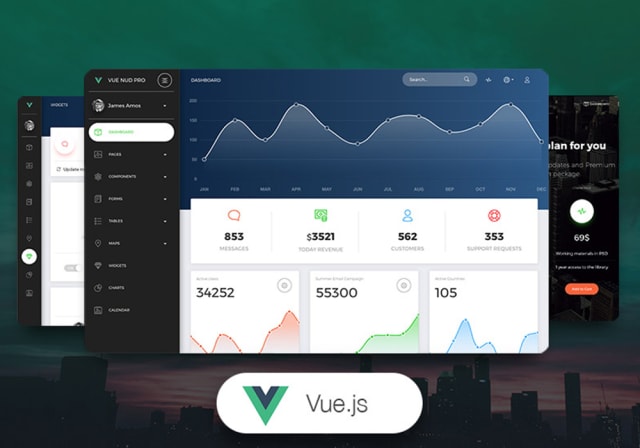
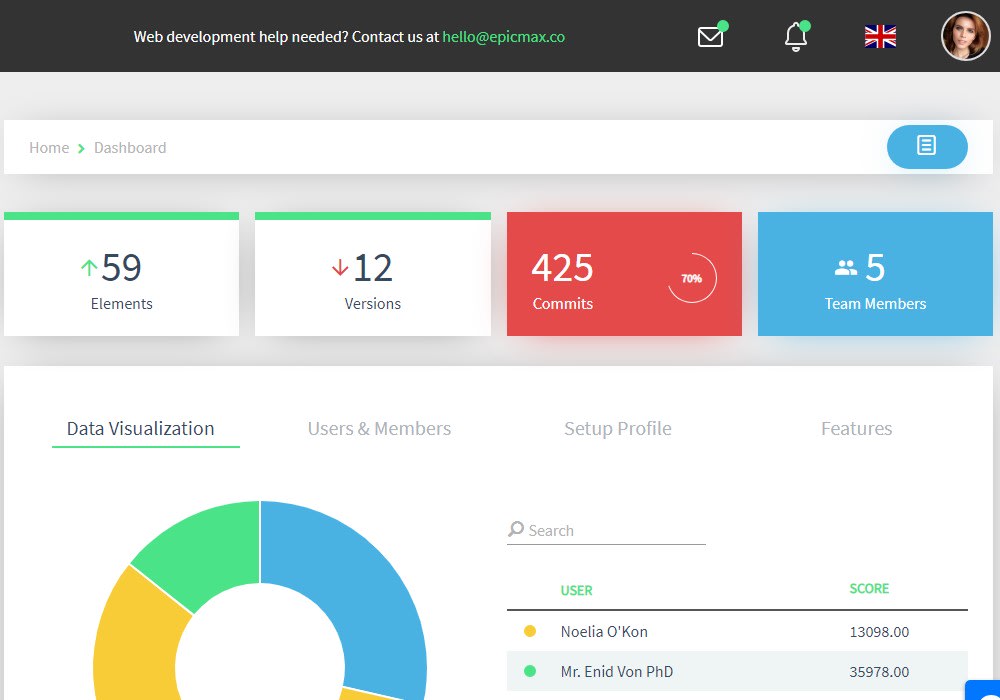
Vue.js admin dashboard
5.3K viewsAdded Jan 6, 2019
Vue.js admin dashboard
Installation
vue-cli3 has to be installed globally. If it's not, do:
$ npm install -g @vue/cli
# OR
$ yarn global add @vue/cli
You can create vuestic project via installer:
# create new project via vuestic-installer command.
$ vuestic myproject
or just by cloning repo:
# clone the repo
$ git clone https://github.com/epicmaxco/vuestic-admin.git myproject

# go into app's directory and install dependencies:
$ cd myproject
$ npm install

# serve with hot reload at localhost:8080.
$ npm run serve

# build for production with minification
$ npm run build

# build for production and view the bundle analyzer report.
$ npm run build --report
Features
- Vue.js
- Bootstrap 4
- Webpack
- Responsive layout
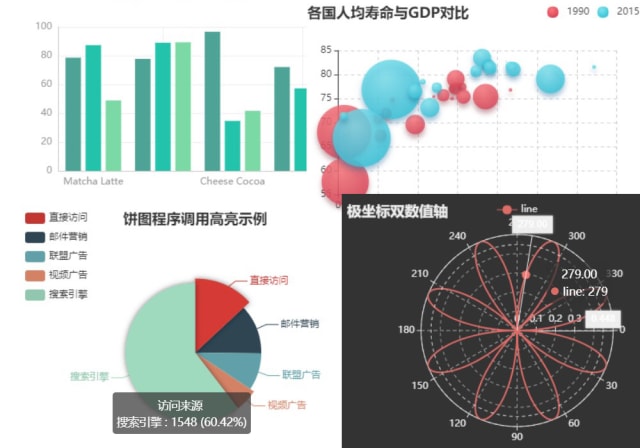
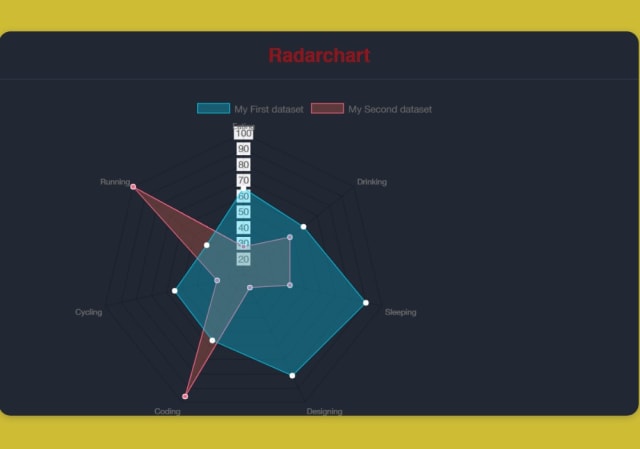
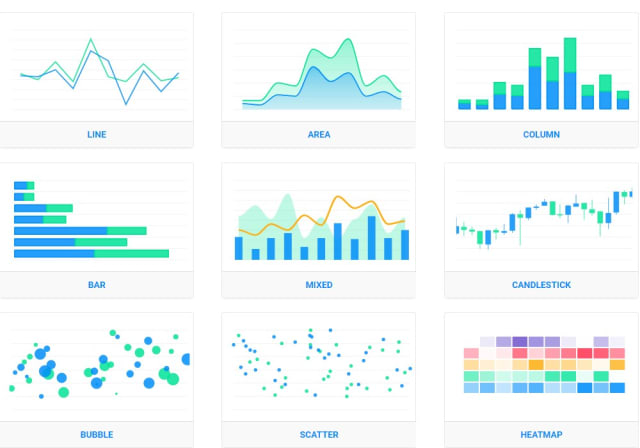
- Charts (Chart.js)
- Maps (Google, Leaflet, amMap)
- Progress bars
- Material forms with beautiful validation
- 4 Form wizard types
- Static tables and datatables
- Login/signup pages templates
- Medium editor
- Toasts, tooltips, popovers,
- i18n
- and many more!