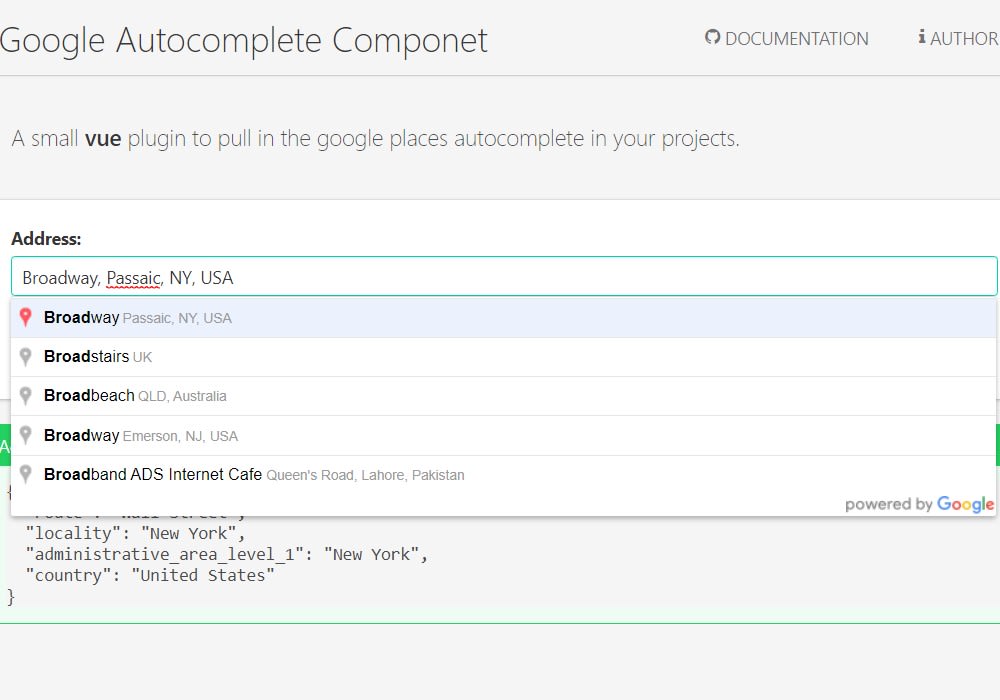
Google Autocomplete Vue Component
Google Autocomplete Vue Componet
1.9K viewsAdded Jan 18, 2019
Google Autocomplete Vue Componet
Installation
To install this package you just need to open your console line and type npm i google-autocomplete-vue --save. If there is any problems during the installation, you can try again using the force param, as so npm i -f google-autocomplete-vue --save
Guide
require('./bootstrap');


new Vue({

    el: '#demo',


    data:
    {
        output: {}, address: {}, sent: false, response: {}, config: {}
    },


    mounted()
    {
        //Set an event listener for 'setAddress'.
        Vuemit.listen('setAddress', this.onAddressChanged);
        Vuemit.listen('addressWasCleared', this.onAddressCleared);
    },


    methods:
    {
        /**
         * Submit the data to be evaluated.
         *
         * @return {Void}
         */
        submit()
        {
            this.sent = true;
            this.output = this.address;
            this.address = {};
        },


        /**
         * Checks whether the output data is valid.
         *
         * @return {Bool}
         */
        isValid()
        {
            return Object.keys(this.output).length > 0;
        },


        /**
         * Checks whether the output data is not valid.
         *
         * @return {Bool}
         */
        isNotValid()
        {
            return ! this.isValid();
        },


        /**
         * The callback fired when the autocomplete address change event was fired.
         *
         * @param {Object}
         * @return {Void}
         */
        onAddressChanged(payload)
        {
            if (Object.keys(paypload.place).length > 0) {
                this.address = payload.address;
                this.response = payload.response;
            }
        }

        /**
         * The callback fired when the autocomplete clear event was fired.
         *
         * @param {Object}
         * @return {Void}
         */
        onAddressCleared()
        {
            this.address = {};
            this.response = {};
        }
    }
});