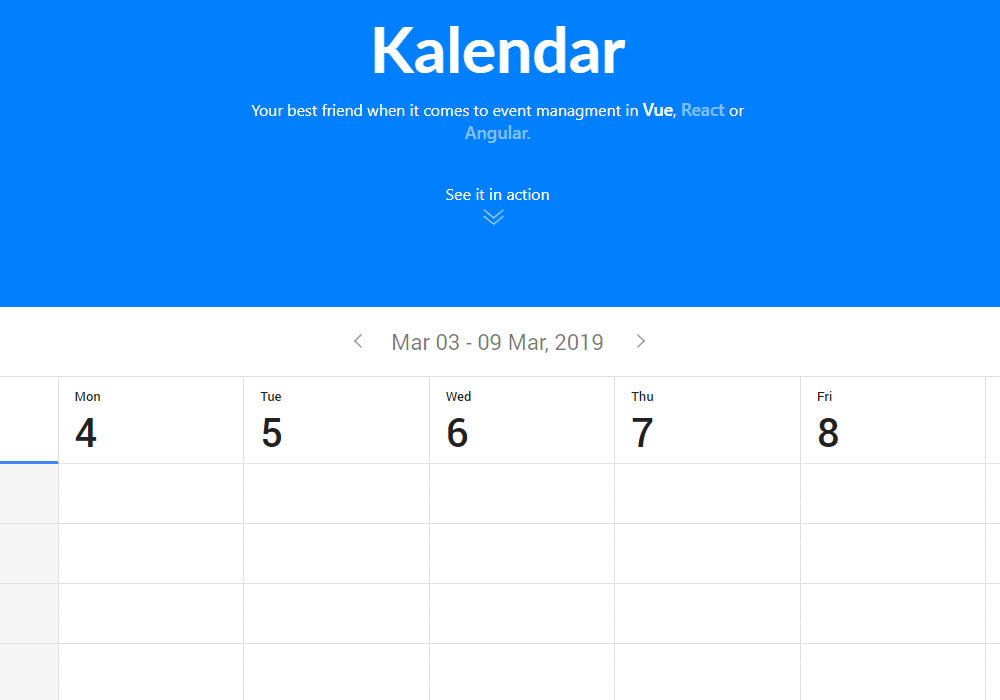
Kalendar
Event calendar component for Vue.js
5.5K viewsAdded Mar 3, 2019
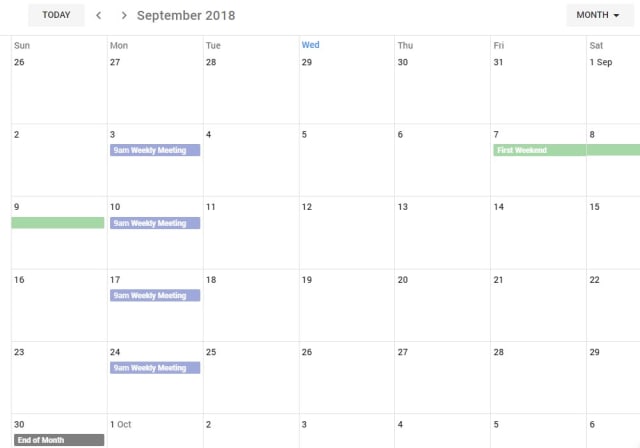
Full featured, responsive, lightweight calendar in the browser
Getting Started
Install plugin from npm
npm install kalendar-vue -SImport plugin in your component
import { Kalendar } from 'kalendar-vue';
import 'kalendar-vue/dist/KalendarVue.css';
...
components: {
	Kalendar,
	...
},
Provide Appointments array. This array will be the source of the appointments which are rendered in the calendar.
<template>
	<kalendar :configuration="calendar_settings" :appointments="appointments"/>
</template>
<script>
	...
    data: () => ({
        appointments: [],
        calendar_settings: {
            style: 'material_design', // ['flat_design', 'material_design']
            view_type: 'Month', // ['Month', 'Day']
            split_value: 20, // Value % 60 === 0
            cell_height: 20, // !isNaN(Value)
            scrollToNow: true, // Boolean
            current_day: new Date(), // Valid date
            military_time: true, // Boolean
        },
        ...
    })
</script>