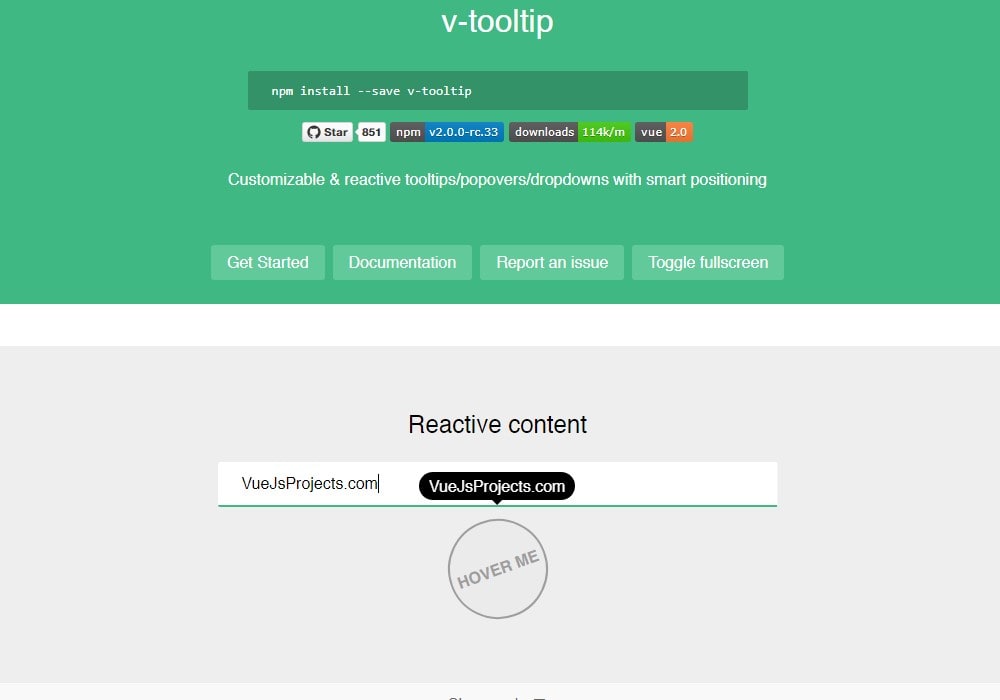
v-tooltip
Easy tooltips, popovers and dropdown for Vue
11K viewsAdded Jan 15, 2019
Easy tooltips, popovers, dropdown for Vue 2
Getting started
Install the plugin:
npm install --save v-tooltipAdd the plugin into your app:
import Vue from 'vue'
import VTooltip from 'v-tooltip'

Vue.use(VTooltip)
Use the v-tooltip directive:
<button v-tooltip="'You have ' + count + ' new messages.'">Use the v-popover component:
<v-popover>
  <!-- This will be the popover target (for the events and position) -->
  <button>Click me</button>
                                <!-- This will be the content of the popover -->
  <MyAwesomeComponent slot="popover"/>
</v-popover>