Vue Focuspoint Component
Set focus point on elements
2.8K viewsAdded Feb 14, 2019
vue-focuspoint-component
Install
npm install vue-focuspoint-componentyarn add vue-focuspoint-componentUsage
The most common use case is to register the component globally.
// in your main.js or similar file
import Vue from 'vue'
import FocusPoint from 'vue-focuspoint-component'

Vue.component('focus-point', FocusPoint)
Alternatively you can do this to register the components:
// HelloWorld.vue
import FocusPoint from 'vue-focuspoint-component'

export default {
  name: 'HelloWorld',
  components: {
    FocusPoint
  }
}
On your page you can now use html like this:
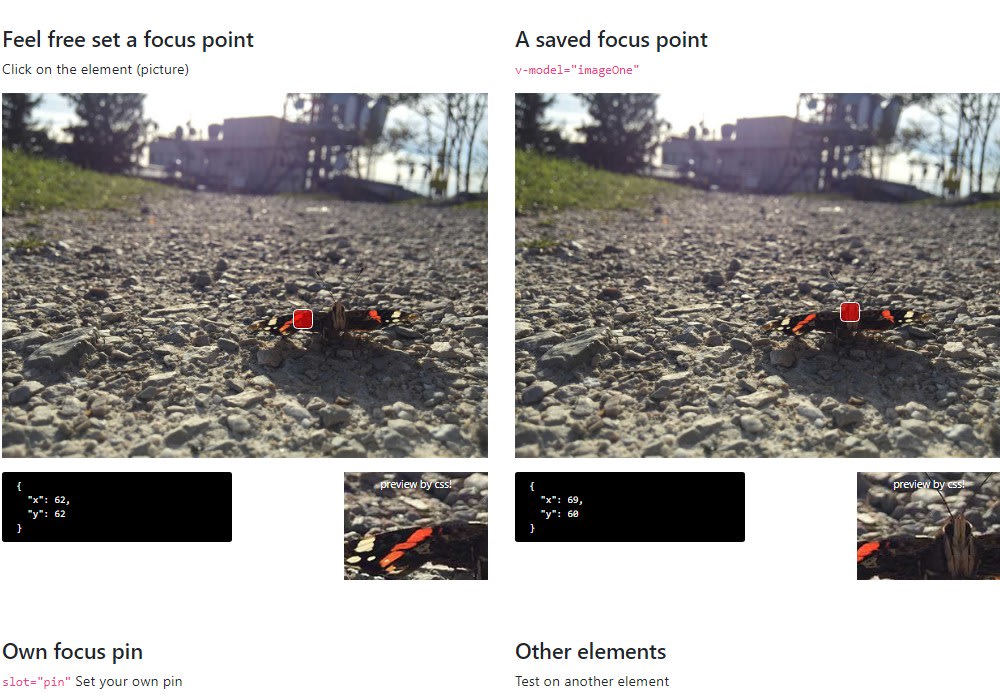
<!-- set focus point in `focus` -->
<focus-point v-model="focus">
<img src="https://is.example.com/image.jpg">
</focus-point>

<!-- after click `focus` shows like this -->
focus: {
  "x": 35,
  "y": 62
}

<!-- example to get image from image server -->
<img src="https://is.example.com/{focus.x}/{focus.y}/1024/768/image.jpg">
<!-- output: we get from a 1920x1080 image the focus [35%:62% into 1024x768] -->
<img src="https://is.example.com/35/62/1024/768/image.jpg">