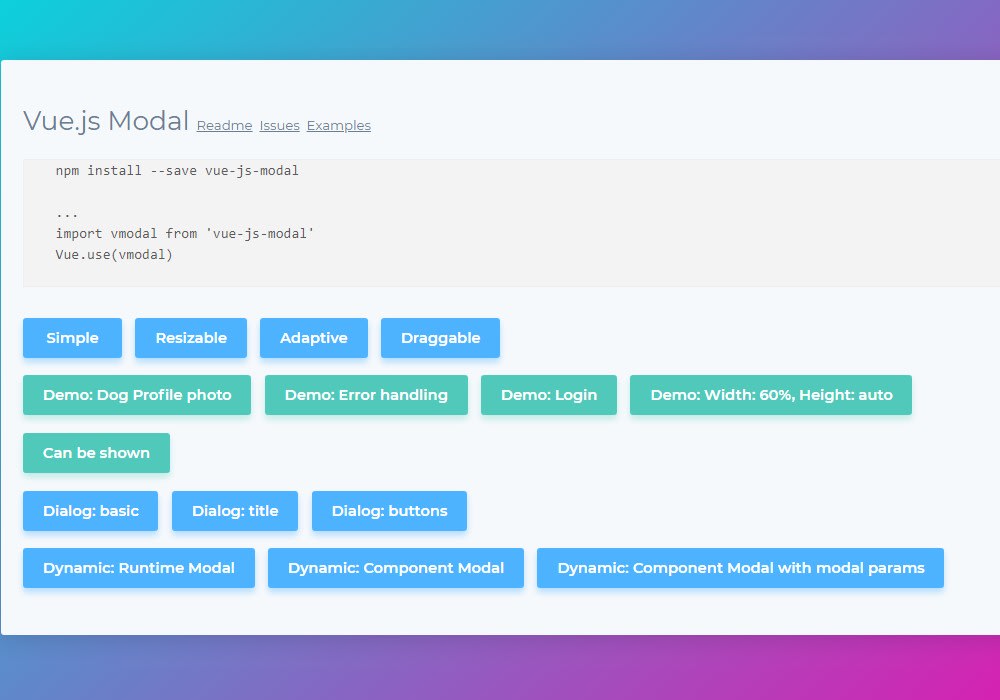
Vue.js Modal
Simple to use, highly customizable, mobile friendly Vue.js modal
6.3K viewsAdded Feb 10, 2019
Install
npm install vue-js-modal --saveHow to use
Include plugin in your main.js file.
import VModal from 'vue-js-modal'

Vue.use(VModal)

/*
By default, the plugin will use "modal" name for the component.
If you need to change it, you can do so by providing "componentName" param.

Example:

Vue.use(VModal, { componentName: "foo-modal" })
...
<foo-modal name="bar"></foo-modal>
*/
Create modal:
<modal name="hello-world">
  hello, world!
</modal>
Call it from anywhere in the app:
methods: {
  show () {
    this.$modal.show('hello-world');
  },
  hide () {
    this.$modal.hide('hello-world');
  }
}