Vue Masked Input
Simple masked input component for Vuejs
4.9K viewsAdded Jan 18, 2019
Masked input component for Vue.js
Install
npm
npm install vue-masked-input --saveUsage
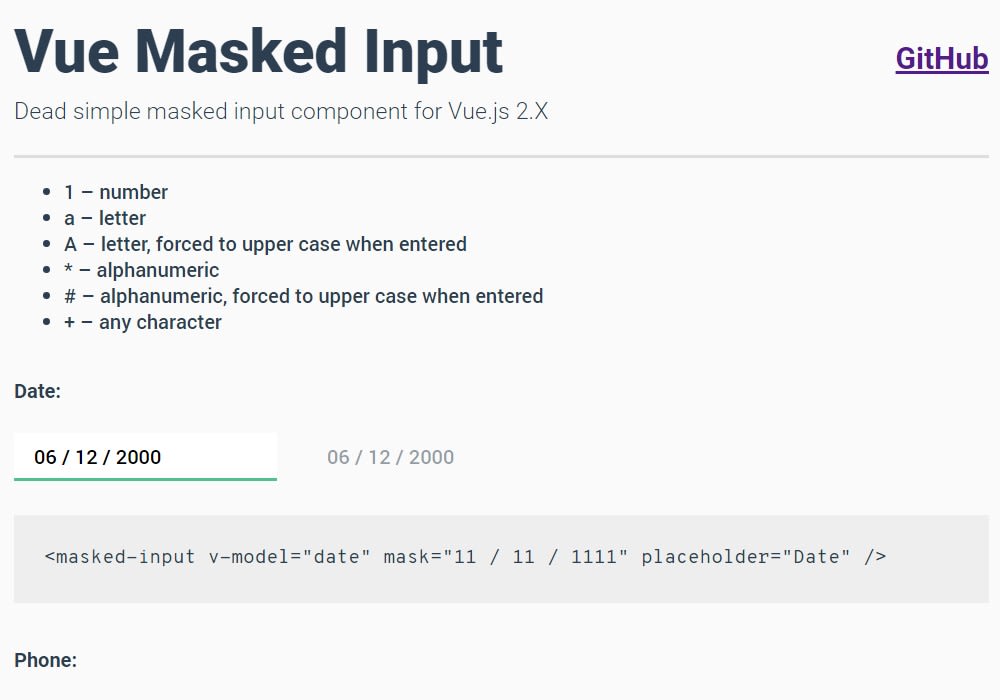
Use it with v-model just like a native html input with the mask attribute:
<masked-input v-model="date" mask="11/11/1111" placeholder="dd/mm/yyyy" />Placeholder character
<masked-input v-model="phone" mask="\+\1 (111) 111-1111" placeholder-char="-" placeholder="Phone number" type="tel" />Custom mask object
<masked-input
  v-model="custom"
  placeholder="Custom"
  :mask="{
    pattern: 'VVVV',
    formatCharacters: {
      'V': {
        validate: char => /[a-jA-J]/.test(char),
        transform: char => char.toUpperCase(),
      },
    },
  }"
/>