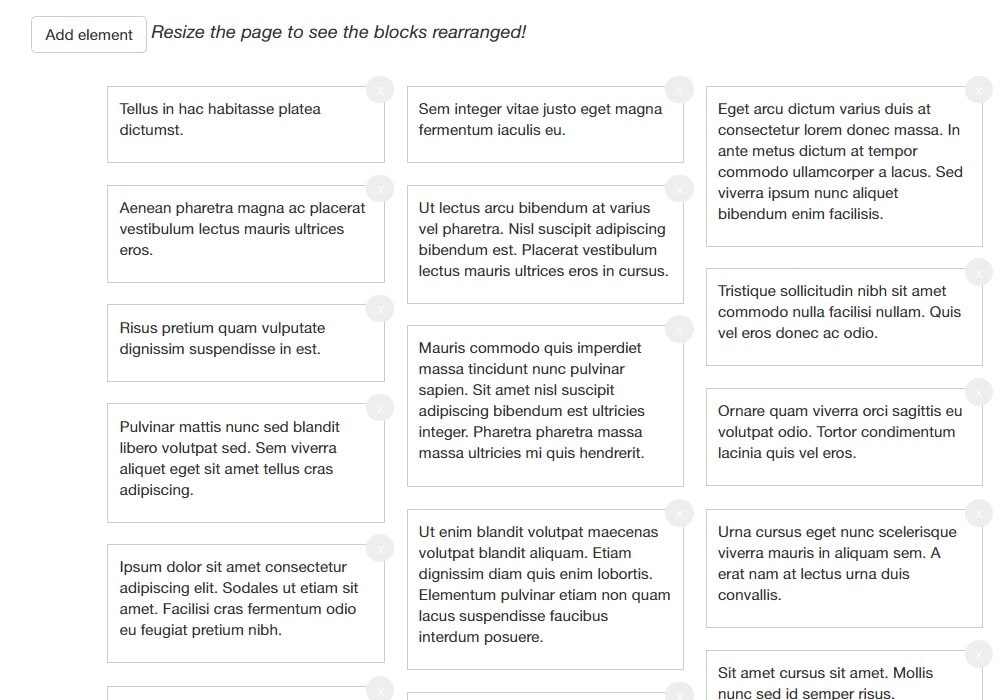
Vue Masonry
Vue.js directive for masonry blocks layouts
8.8K viewsAdded Jan 2, 2019
Vue.js directive for masonry blocks layouting
Usage
Install via NPM
Get from npm: npm install vue-masonry --save
or from bower bower install vue-masonry
Make sure that the masonry library is included; for example using cdn link: <script async defer src="https://cdnjs.cloudflare.com/ajax/libs/masonry/4.0.0/masonry.pkgd.min.js"></script> or in other convenient way.
Usage with build tools
In your Vue app you'll have the following code:
import Vue from 'vue'

// import ES6 style
import {VueMasonryPlugin} from 'vue-masonry';

// or using CJS
// const VueMasonryPlugin = require('vue-masonry').VueMasonryPlugin

Vue.use(VueMasonryPlugin)

<div v-masonry transition-duration="0.3s" item-selector=".item">
    <div v-masonry-tile class="item" v-for="(item, index) in blocks">
       <!-- block item markup -->
    </div>
</div>