Vue Resize
Vue directive to detect resize events
7.5K viewsAdded Jan 14, 2019
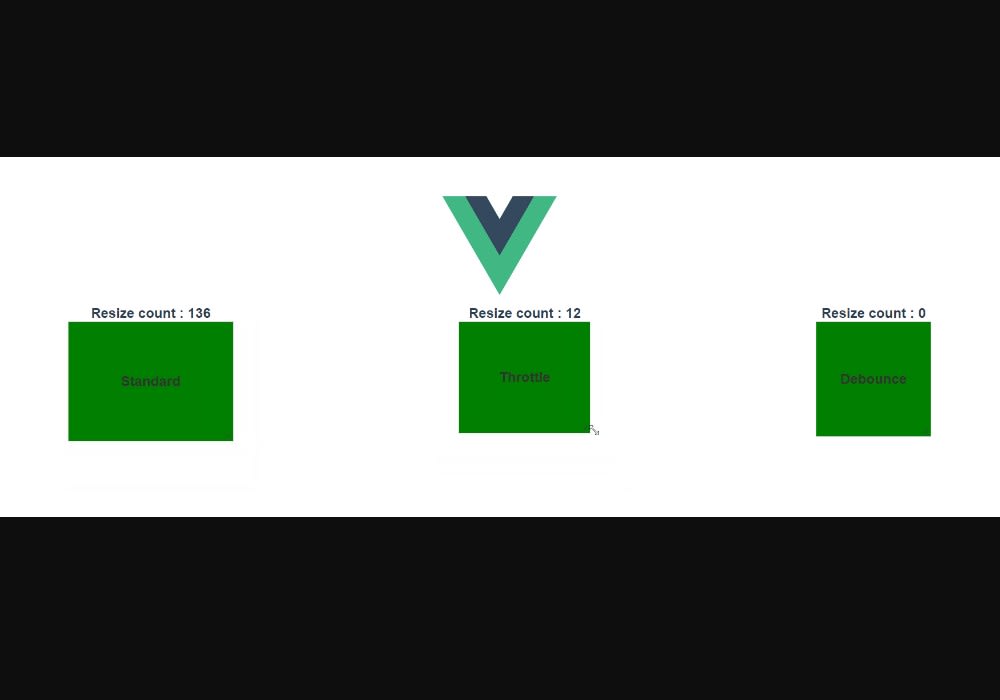
Vue directive to detect resize events with deboucing and throttling capacity
Typical usage
Simple
Use this option when you need to receive all the resize events.
The onResize function will be called each time the element resizes with the corresponding HTML element as only argument.
<div v-resize="onResize">Throttle
Use throttle when you need to rate-limit resize events frequency.
With default timeout (150 ms):
<div v-resize:throttle="onResize">With custom timeout (in ms):
<div v-resize:throttle.100="onResize">Installation
npm install vue-resize-directive --save